Thumbnail Design: Create Click-Worthy Graphics That Get Views

Save these tips! 📌 Pin this thumbnail design guide for your content creation.
Your thumbnail is the first impression viewers get of your content. In a sea of videos and articles, a well-designed thumbnail can be the difference between thousands of views and being ignored completely.
This guide covers everything from design principles to the exact dimensions and tools you need to create thumbnails that convert browsers into viewers.
Why Thumbnails Matter
The Click-Through Rate Factor
- 90% of top-performing videos have custom thumbnails
- Thumbnails increase click-through rates by 154% on average
- Viewers decide whether to click in 3 seconds or less
💡 Key Insight: YouTube's algorithm prioritizes videos with higher CTR—better thumbnails = more organic reach.
Thumbnail Dimensions & Specifications
Platform Requirements
| Platform | Dimensions | Aspect Ratio | File Size |
|---|---|---|---|
| YouTube | 1280 x 720 px | 16:9 | Under 2MB |
| 1200 x 675 px | 16:9 | Under 8MB | |
| 1200 x 675 px | 16:9 | Under 5MB | |
| Blog | 1200 x 630 px | 1.91:1 | Flexible |
💡 Pro Tip: Design at 1280x720 and resize for other platforms—YouTube's size works everywhere.
5 Essential Thumbnail Design Elements
1. High-Contrast Colors
Winning Color Combinations:
- Yellow text on dark backgrounds
- White text on bright colors
- Orange/red for urgency
- Blue for trust and calm
Color Psychology:
- Red: Urgency, excitement, warnings
- Yellow: Attention, optimism, energy
- Blue: Trust, calm, professional
- Green: Growth, money, health
- Orange: Friendly, affordable, creative
2. Bold, Readable Text
Text Best Practices:
- Maximum 3-5 words
- Font size: 72pt minimum at 1280px width
- Sans-serif fonts (Arial, Impact, Montserrat)
- Add stroke/outline for readability
Recommended Fonts:
- Bebas Neue — Bold, impactful
- Montserrat Black — Modern, clean
- Impact — Classic YouTube style
- Oswald Bold — Professional
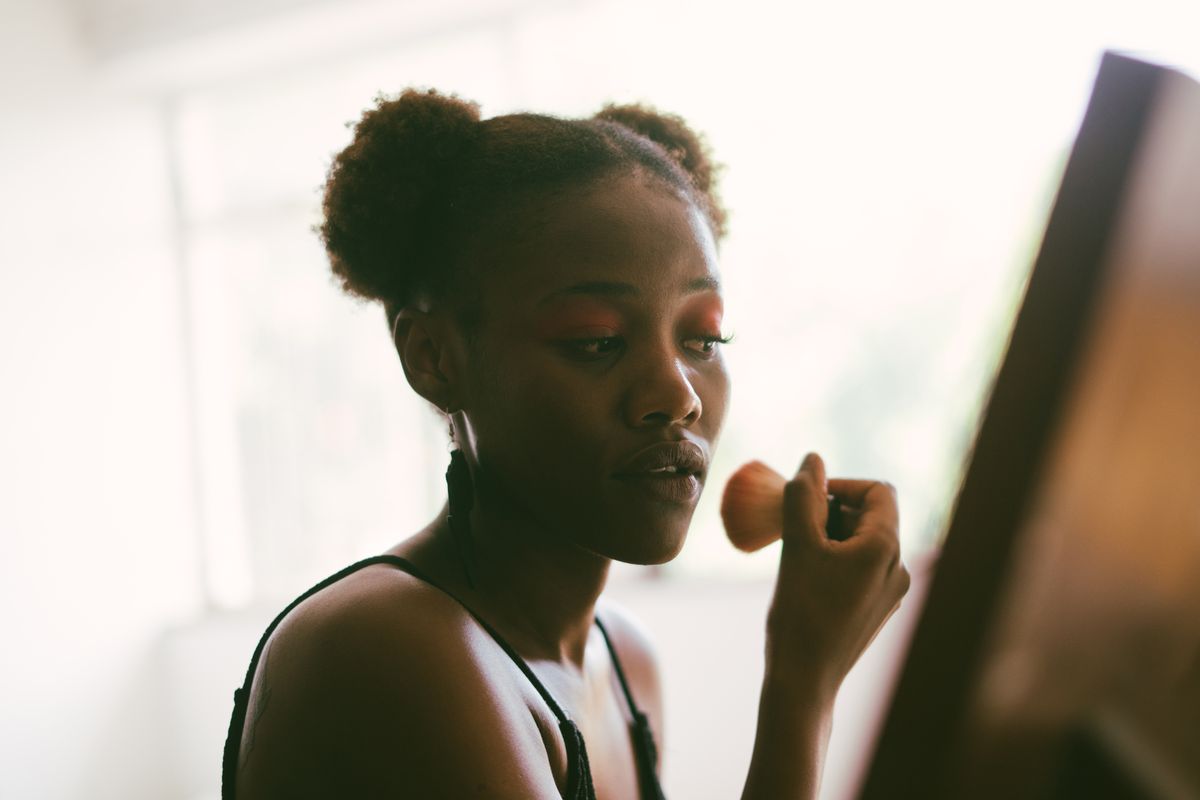
3. Expressive Faces
Why Faces Work:
- Humans are drawn to other faces
- Emotions create curiosity
- Builds personal connection
Best Expressions:
- Surprise (mouth open, eyes wide)
- Excitement (big smile, energy)
- Concern (problem-solving content)
- Curiosity (intrigued look)
4. Clear Subject Focus
Composition Rules:
- Rule of thirds placement
- Single focal point
- Blur or simplify backgrounds
- Use depth of field
5. Brand Consistency
Branding Elements:
- Logo in consistent position (usually corner)
- Signature colors
- Font choices
- Frame or border style
Thumbnail Design Styles That Work
1. The Reaction Face
Best for: Challenges, surprises, reactions
- Close-up facial expression
- Exaggerated emotion
- Text overlay with context
2. The Before & After
Best for: Transformations, tutorials, makeovers
- Split-screen comparison
- Clear visual difference
- "VS" or arrow elements
3. The Text-Heavy
Best for: Educational, listicles, tips
- Bold headline text
- Number indicators
- Clean background
4. The Product Shot
Best for: Reviews, hauls, unboxings
- High-quality product image
- Product in use
- Rating or verdict overlay
5. The Curiosity Gap
Best for: Storytelling, mysteries, experiments
- Intriguing image
- Question-based text
- Partial reveal
Best Thumbnail Design Tools
Free Options
Canva — Free with pro options
- Drag-and-drop interface
- YouTube thumbnail templates
- Stock photos included
Adobe Express — Free tier
- Professional templates
- Adobe quality
- Easy resizing
Fotor — Free
- Online editor
- HDR effects
- Batch processing
Paid Options
Adobe Photoshop — $20.99/month
- Full creative control
- Advanced editing
- Industry standard
Snappa — $10/month
- Built for marketers
- Quick templates
- Buffer integration
PicMonkey — $7.99/month
- Easy touch-up tools
- Good for beginners
- Cloud storage
Step-by-Step Thumbnail Creation
Using Canva (Free)
Start with Template
- Search "YouTube Thumbnail"
- Choose 1280x720 template
Add Background
- Upload photo or choose color
- Ensure high contrast
Insert Subject
- Remove background if needed
- Position using rule of thirds
Add Text
- Maximum 5 words
- Bold, readable font
- Add stroke/outline
Apply Branding
- Add logo
- Include brand colors
- Consistent placement
Export
- PNG format for quality
- Under 2MB for YouTube
Advanced Thumbnail Techniques
Adding Depth with Layers
Layer 1: Background (blurred if needed)
Layer 2: Main subject (you or product)
Layer 3: Text overlay
Layer 4: Graphics/arrows/numbers
Layer 5: Logo/branding
Creating Urgency
Elements that drive clicks:
- Red circles or arrows
- "NEW" badges
- Numbers ("5 Tips", "10 Ways")
- Words: "Secret", "Finally", "Truth"
A/B Testing Thumbnails
How to Test:
- Create 2-3 variations
- Change one element (color, text, image)
- Track CTR for 48 hours
- Keep winner, iterate again
Thumbnail Mistakes to Avoid
❌ Too Much Text
Fix: Maximum 5 words. Viewers should understand in 1 second.
❌ Cluttered Design
Fix: One focal point. Remove unnecessary elements.
❌ Misleading Content
Fix: Match thumbnail to video content. Don't clickbait.
❌ Poor Image Quality
Fix: Use high-resolution images. Blurry = ignored.
❌ Inconsistent Branding
Fix: Develop a thumbnail style guide and stick to it.
Thumbnail Formulas by Content Type
Tutorial/Educational
Formula: [Your face] + [Text: "How to X"] + [Result preview]
Vlog/Lifestyle
Formula: [Interesting moment] + [Location/activity text] + [Emoji]
Review
Formula: [Product] + [Your reaction] + [Rating text]
Challenge/Experiment
Formula: [Before state] + [Arrow] + [After/climax moment]
Mobile Optimization
Why Mobile Matters
- 70% of YouTube watch time is on mobile
- Thumbnails appear much smaller on phones
- Text must be readable at tiny sizes
Mobile Best Practices
- Test thumbnail at 200px wide
- Ensure text is still readable
- Keep main subject centered
- Avoid tiny details
Thumbnail Design Checklist
Before Publishing:
- Does it work at small sizes?
- Is text readable?
- Is the main subject clear?
- Does it create curiosity?
- Is it honest about content?
- Are colors high-contrast?
- Is branding consistent?
- Would YOU click on it?
Analytics: Measuring Thumbnail Success
Key Metrics
Click-Through Rate (CTR)
- Good: 4-10%
- Excellent: 10%+
- Industry average: 2-4%
Average View Duration
- Are viewers staying after clicking?
- High bounce = misleading thumbnail
A/B Test Results
- Track which thumbnails perform better
- Iterate based on data
FAQ
What makes a thumbnail clickable?
High contrast, clear subject, emotional expression, and curiosity gap text.
Should I use my face in thumbnails?
Yes, if building personal brand. Faces increase CTR by 38% on average.
How often should I change thumbnails?
If CTR is below 4%, test new thumbnails. Otherwise, maintain consistency.
Can I use stock photos?
Yes, but original photos typically perform better. Mix both.
What file format is best?
PNG for quality, JPG if file size is too large. Keep under 2MB.
Do I need design skills?
No—Canva templates make professional thumbnails accessible to everyone.
Quick Thumbnail Wins
Immediate Improvements:
- Add stroke to all text
- Increase color saturation 15-20%
- Remove 1-2 unnecessary elements
- Add a subtle drop shadow to subject
- Test bright yellow or orange text
💬 What's your thumbnail strategy? Share your best-performing designs!
More Content Creation Resources
- YouTube Video Ideas for Lifestyle Creators
- Instagram Reels Ideas: Go Viral
- Pinterest Pin Design
- Video Editing Software
Last Updated: March 2024 | Reading Time: 12 minutes
Exit-Intent Popup Configuration
Type: Lead Magnet
Offer: "Download Thumbnail Template Pack + Design Checklist"
Lead Magnet: 20 Canva templates, color palettes, font pairings
Affiliate Links: Design software recommendations
Category Redirect: /category/lifestyle